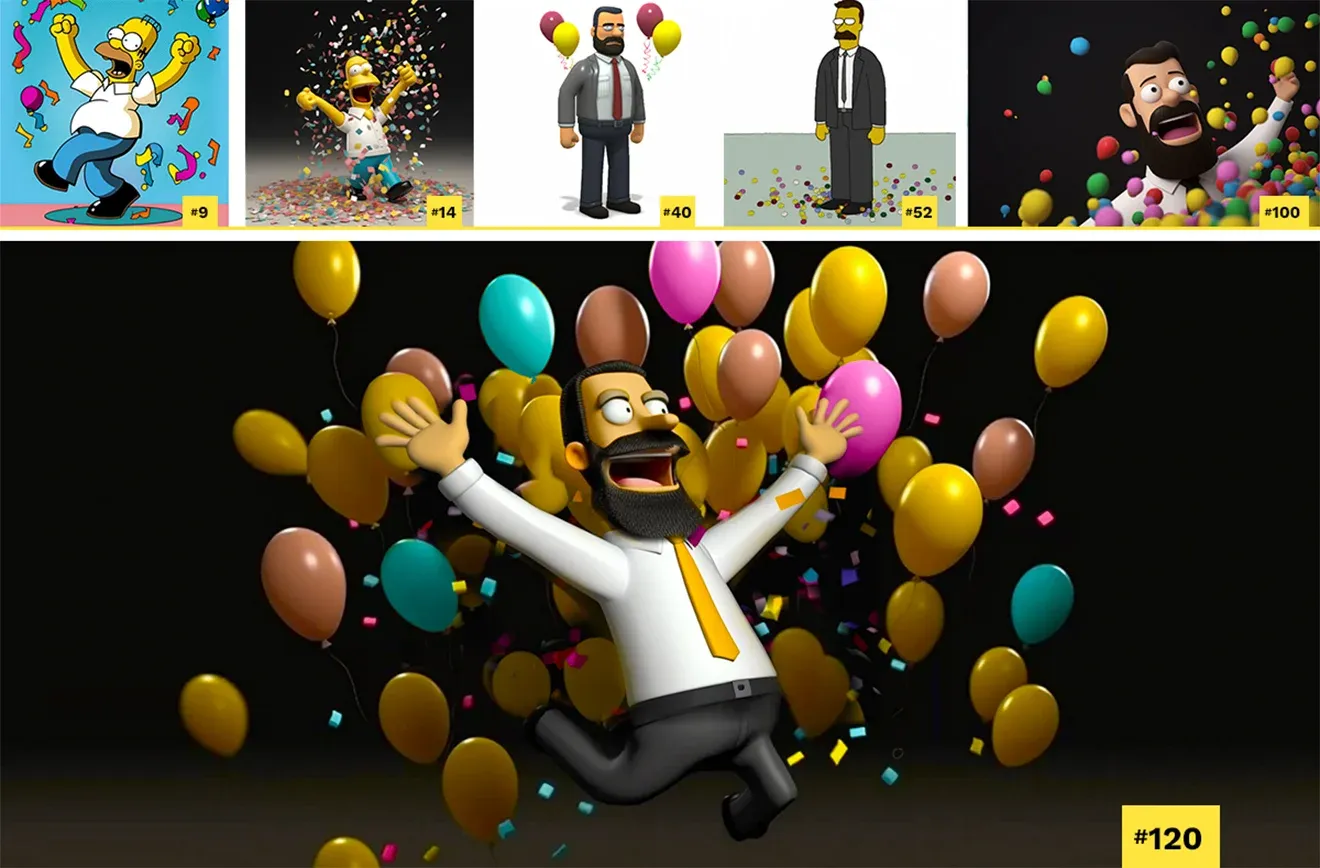
My partner was celebrating his work anniversary, and he planned to share it on LinkedIn.
Since I’ve been researching a number of image- to-text generation tools and we have been paying subscriptions to a few, he wondered if we could create an image for his post using AI.
I responded, “Sure, let’s try,” always eager to test out what the AI can create.
So I started with a few general prompts just to get us going. My partner, Michael, wasn’t sure at first what kind of image he wanted, so I thought we could try out a few keywords and check out the results, making it an exploration of ideas as well as finding good prompt text.
work anniversary, celebration, professional
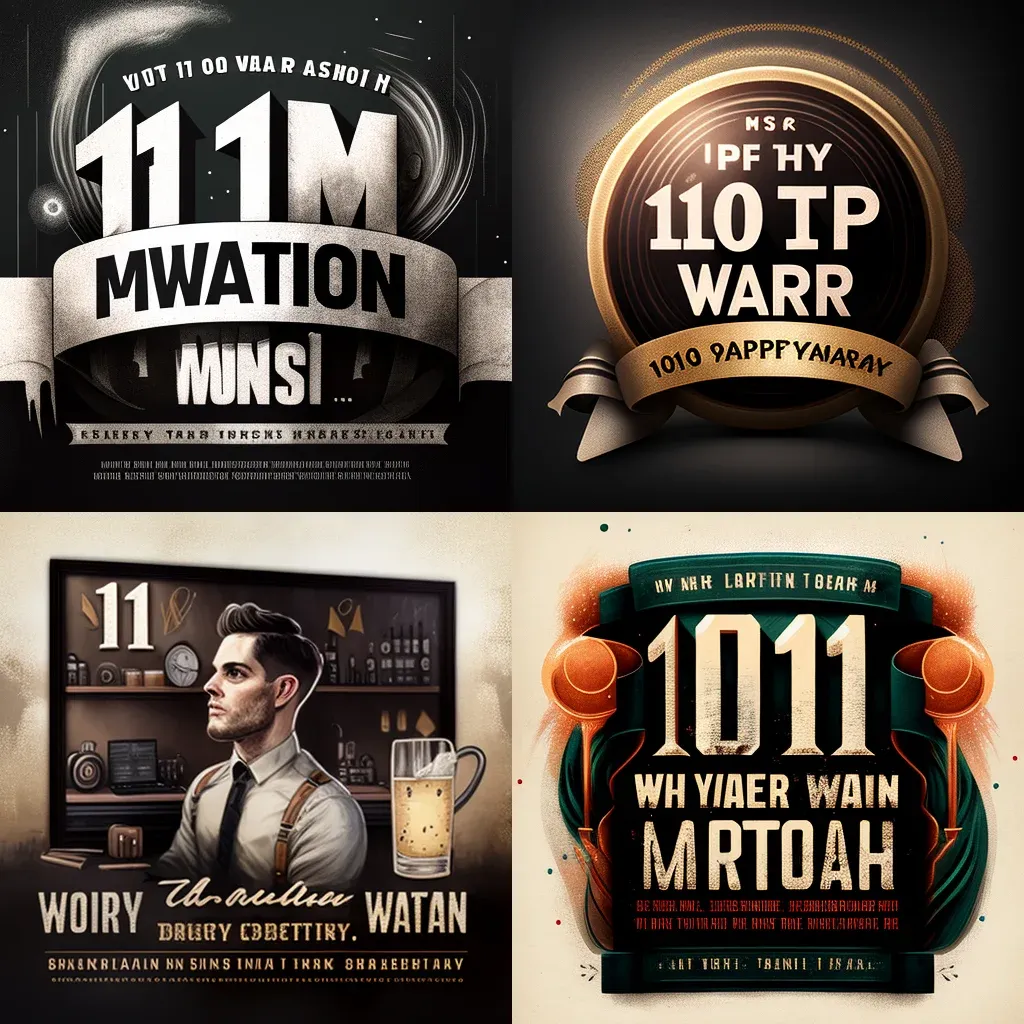
These are some pretty cool images, but I didn’t really feel like taking them into an editing tool to customize the text.
I’m a New Yorker subscriber. (Don't be impressed, it is a gift subscription and I mainly get it for the Shouts & Murmurs section and the cartoons.)
But I thought I would try adding a New Yorker style and see if he liked it.
anniversary, celebration, work-related, in the style of The New Yorker magazine
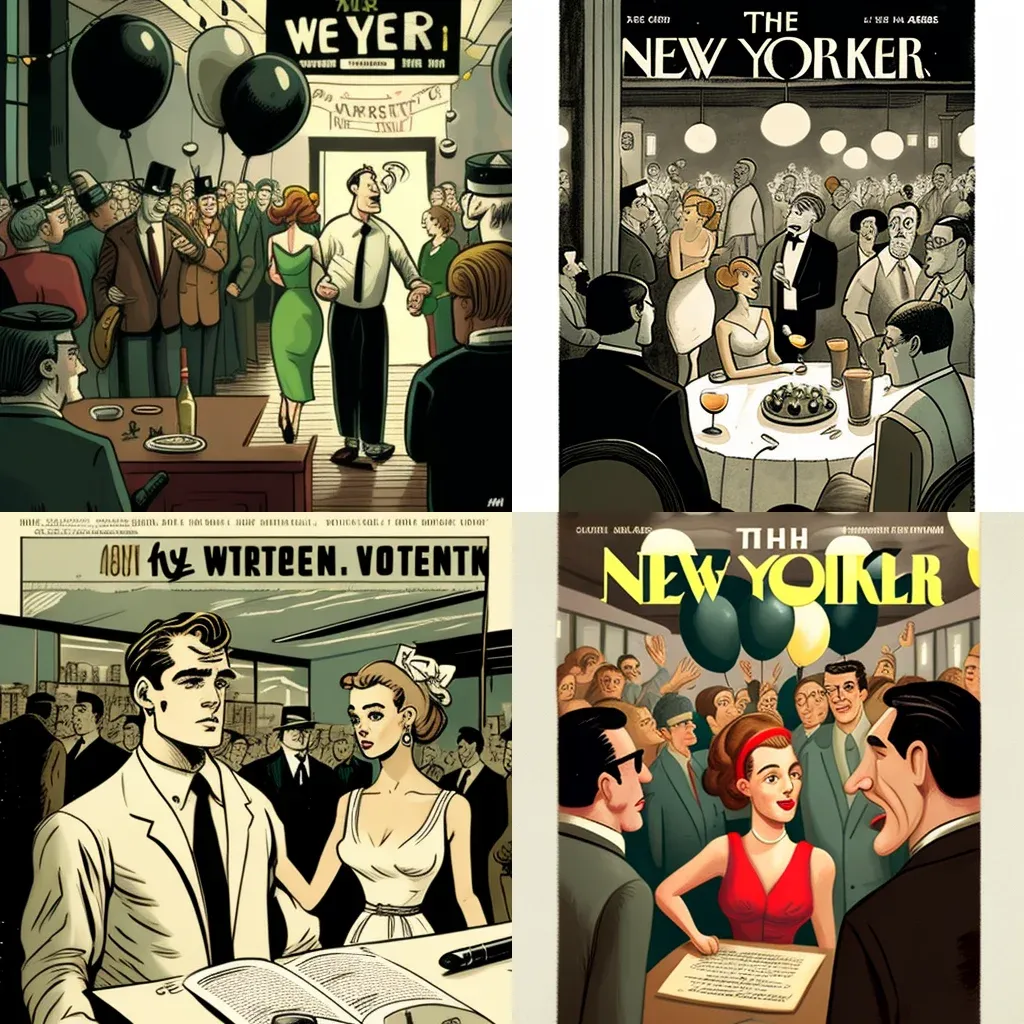
Nope, these were not going to work for many reasons. But I enjoyed just how closely the AI reproduced the New Yorker look.
Next, we considered what elements represent celebration and immediately thought of balloons and confetti.
one year work anniversary, balloons, confetti
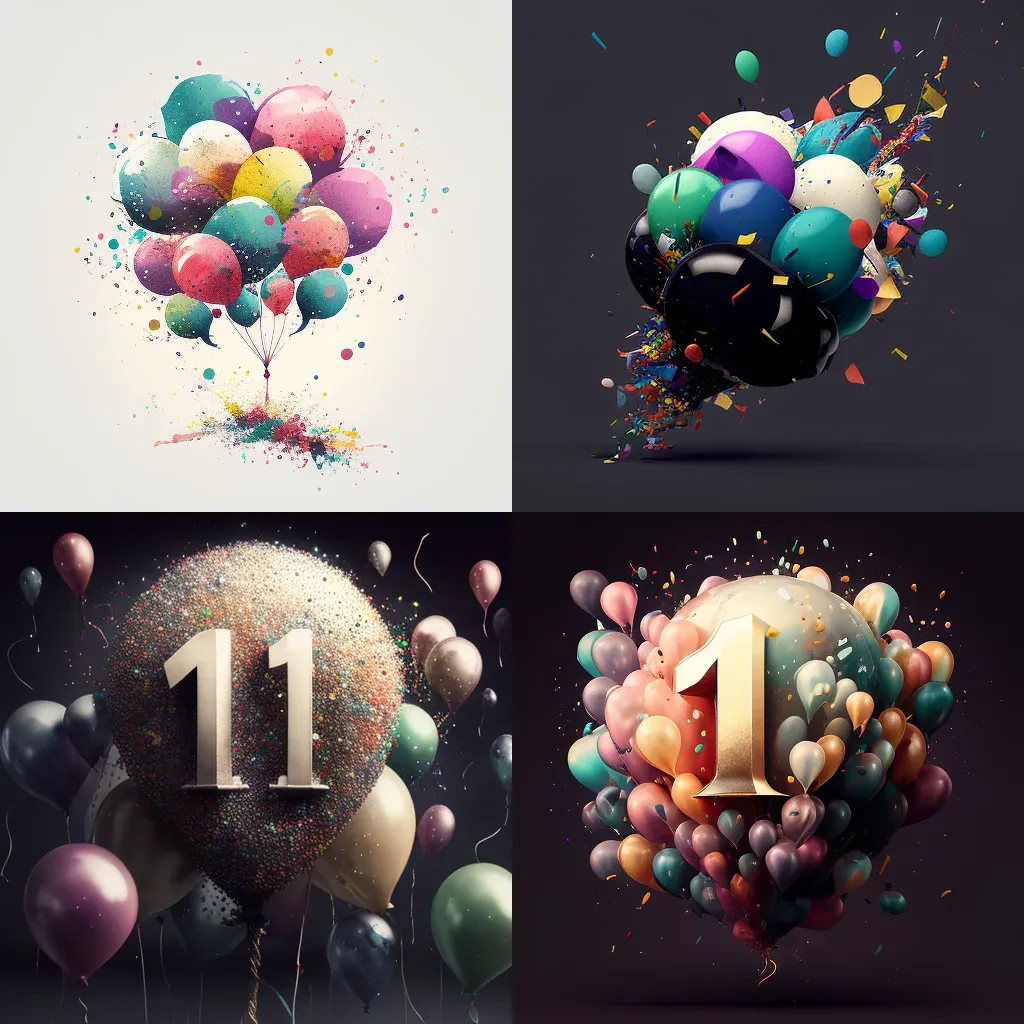
Ahhh, we are getting closer now. Loving the balloons and the feeling of celebration, but it was missing something.
This was the moment Michael threw in a fun twist. He asked, “What if it had a Homer Simpson-like character?” Ooo, that sounded like the perfect blend of fun with a hint of silliness, which can be great for social media.
Homer Simpson, dancing, happy, woo hoo, celebration, work anniversary
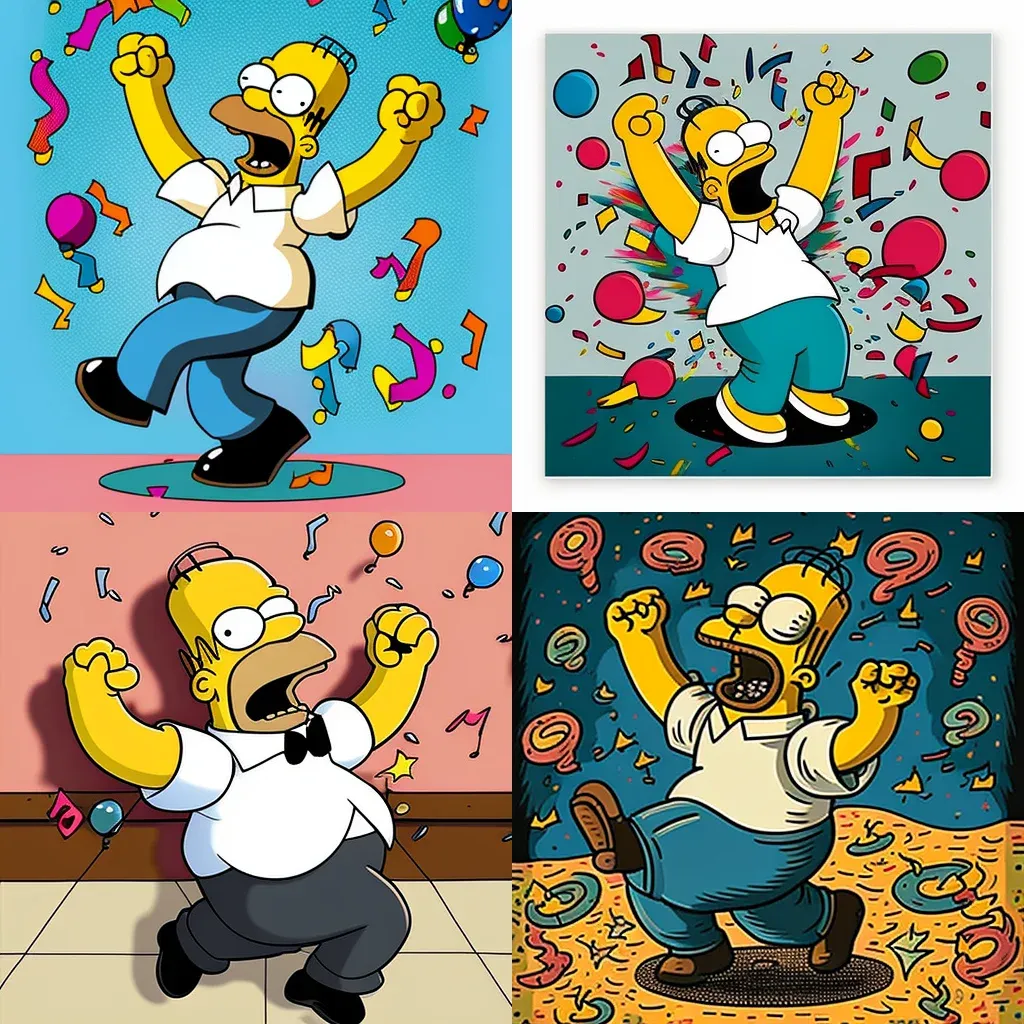
Not bad, right?
At first glance, it did seem good because it looked like Homer Simpson with confetti and balloons. We could have just used the top left image and stopped.
But if you look closely, he looks more angry than excited. Also, there are a number of typical AI issues, such as multiple limbs, mangled hands, and other artifacts. With image generation, it is all about the details.
But now we have a clear concept, and we are ready to keep prompting in our pursuit of the best image!
happy Homer Simpson, celebrating work anniversary, balloons, confetti, digital art, 3D, 8k, --v 5
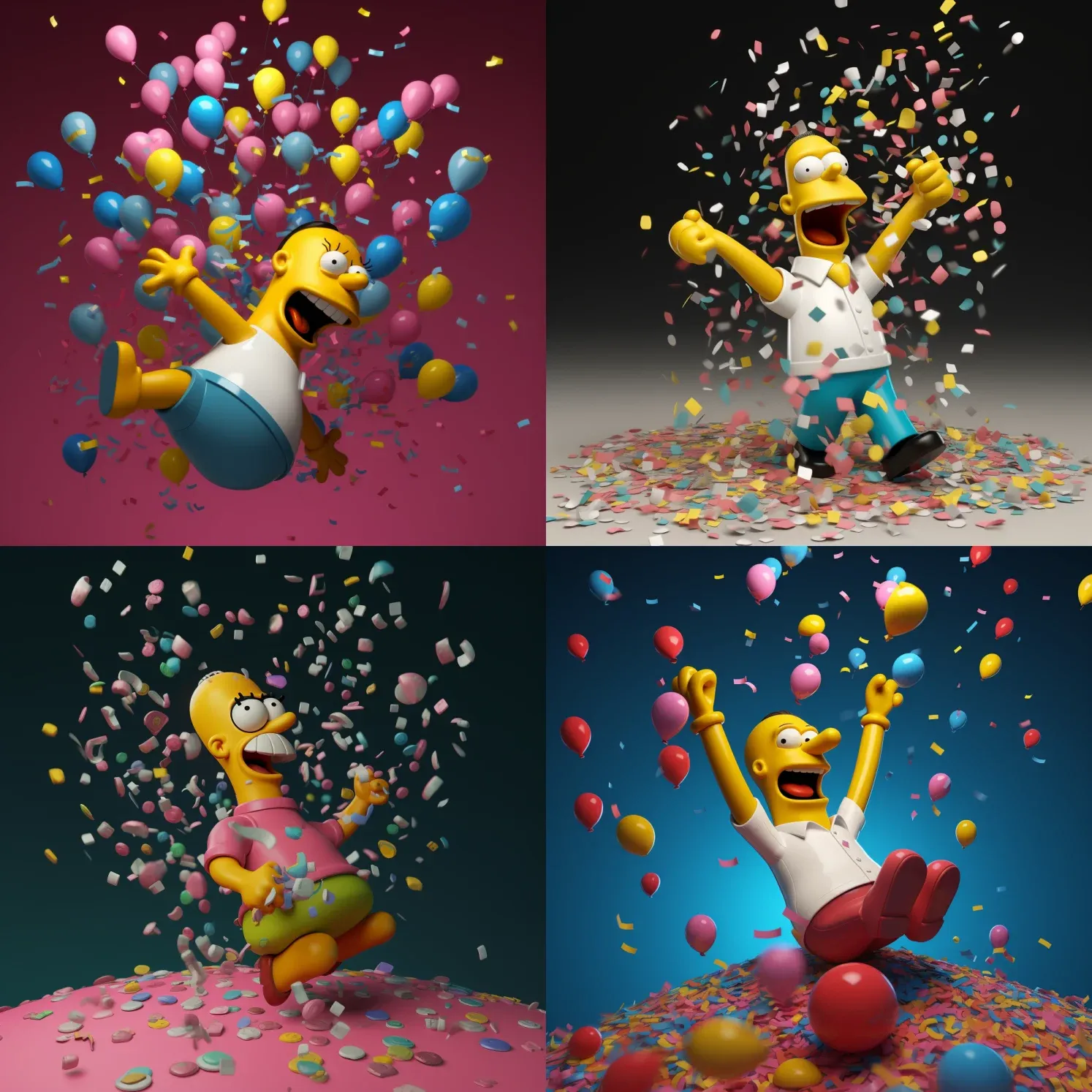
The 3D was exactly what Michael wanted. But the characters were still a bit off.
happy Homer Simpson, celebrating work anniversary, balloons, confetti, digital art, 3D, --v 5 --ar 7:4
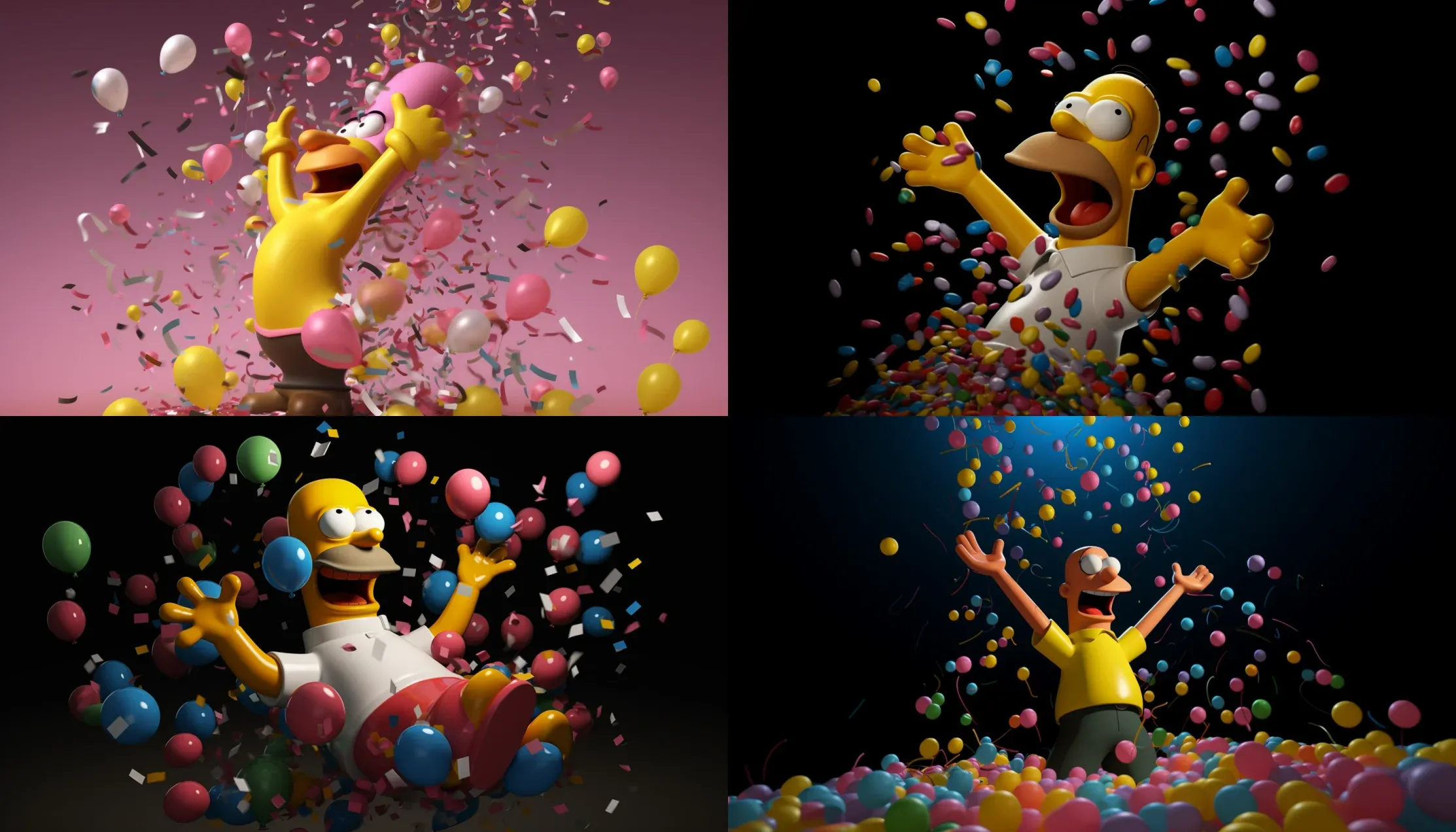
Enjoying the results! Even though, in one image (upper right), he looks like he is celebrating with Jordan Almonds rather than balloons.
But we were getting closer because we were a bit more specific with the prompt and made sure to change the aspect ratio (--ar 7:4) to better work with his required LinkedIn post image size.
While Homer Simpson is a beloved, iconic character, he is not the best representation of a hard-working professional.
But, more importantly, that specific character is under copyright. The style can be used, but it is best not to use his exact image. While no one is probably monitoring a LinkedIn post from someone celebrating a work anniversary, we like to respect creators’ rights whenever we can.
We decided to play with the idea of a 3D character that looks more like Michael, keeping the balloons and confetti.
happy man with dark brown beard and mustache, celebrating work anniversary, balloons, confetti, digital art, 3D, --v 5 --ar 7:4
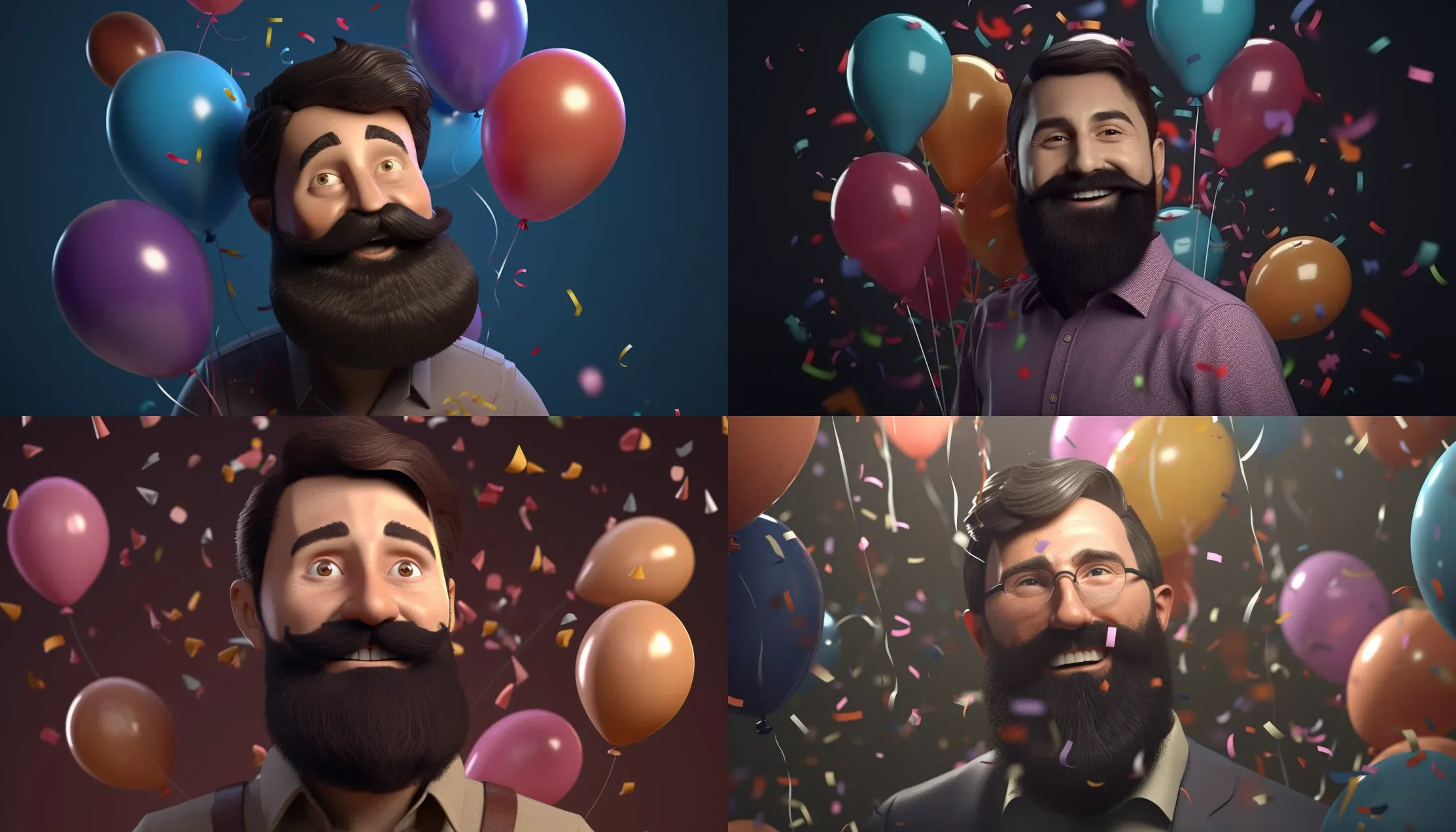
Now, I really loved these (even though the bottom left guy looks scared). But it lost a lot of the fun factor from The Simpsons style images. So I tried again.
happy man with dark brown beard and mustache, celebrating work anniversary, balloons, confetti, digital art, 3D, in style of a Simpsons character, --v 5 --ar 7:4
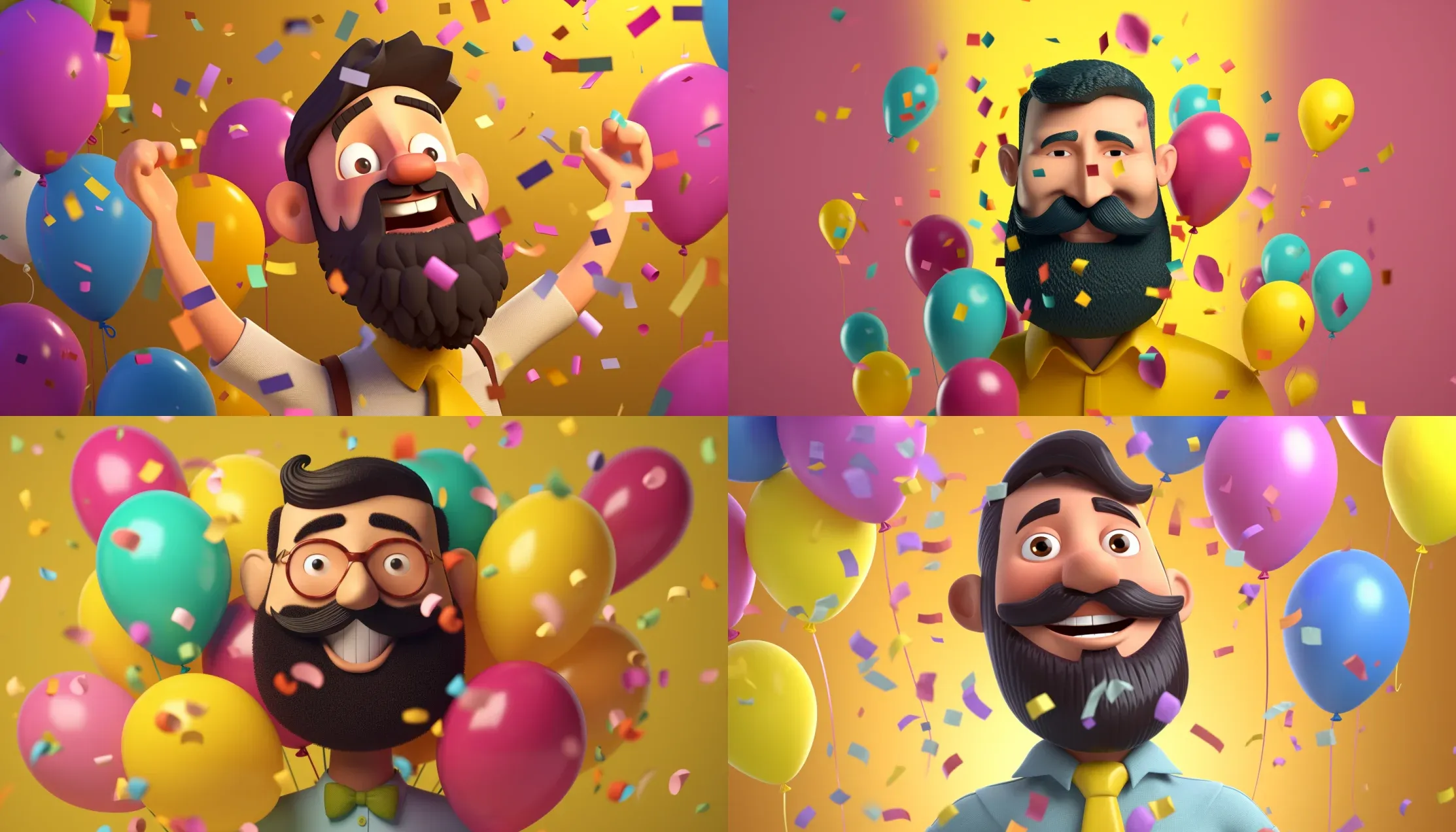
Again, loving the results. No deformities in the characters. Most of them have the appropriate emotion. They all look similar to Michael, BUT they are not exactly Simpson’s characters. They actually look more like Pixar characters, even though that wasn't included in the prompt.
MidJourney has the option to use a parameter --Chaos in a prompt. This parameter influences how varied the images within a grid are from one another. It accepts values of 0 to 100. We chose to try out the highest number.
happy Homer Simpson with dark brown beard with mustache and full head of hair, white shirt with black tie, celebrating work anniversary, full body, multi-colored balloons and confetti, digital art, 3D, --v 5 --ar 7:4 --chaos 100
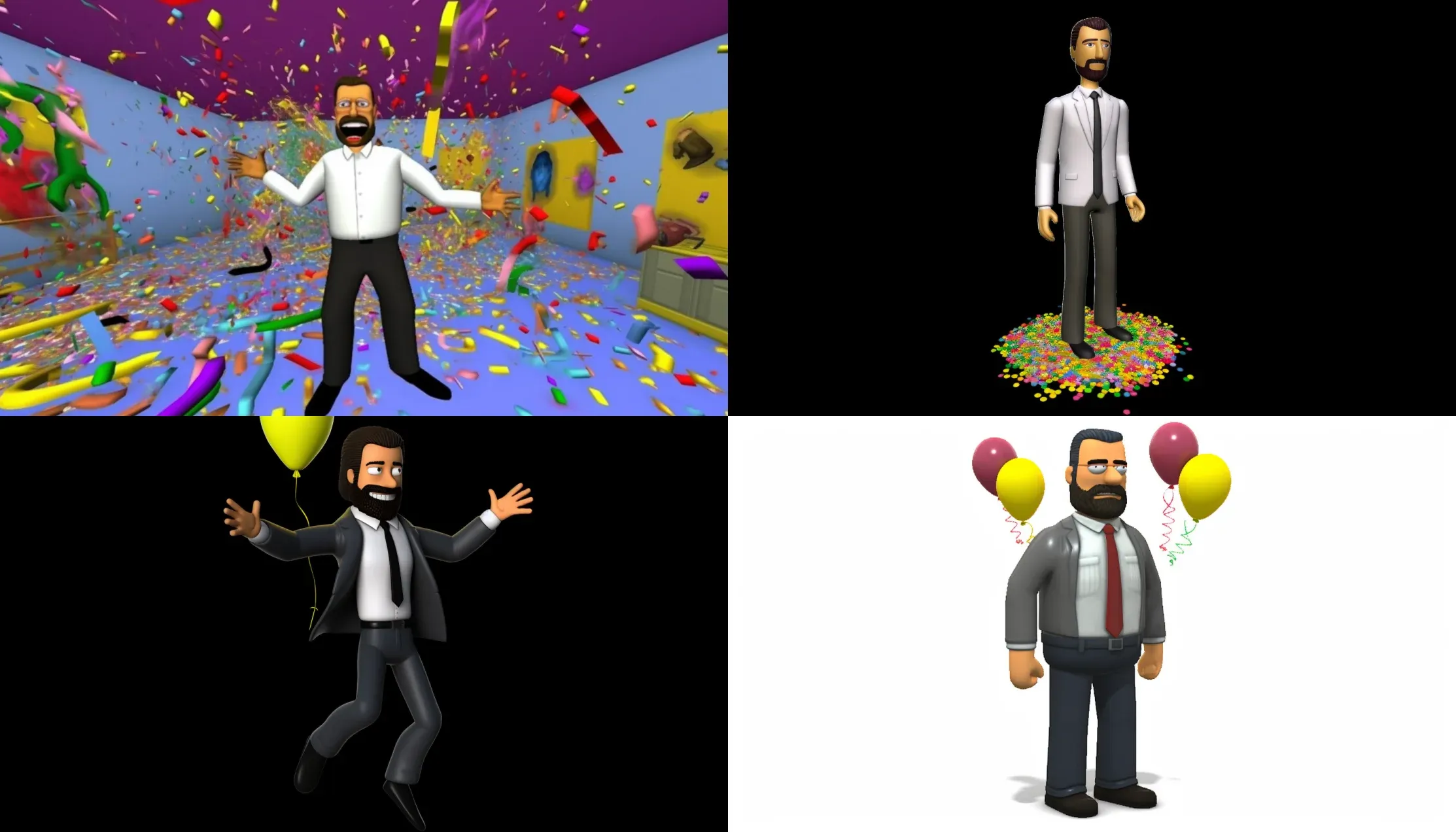
We kept tweaking the prompt to try and get better results and ended up with some pretty crazy images.
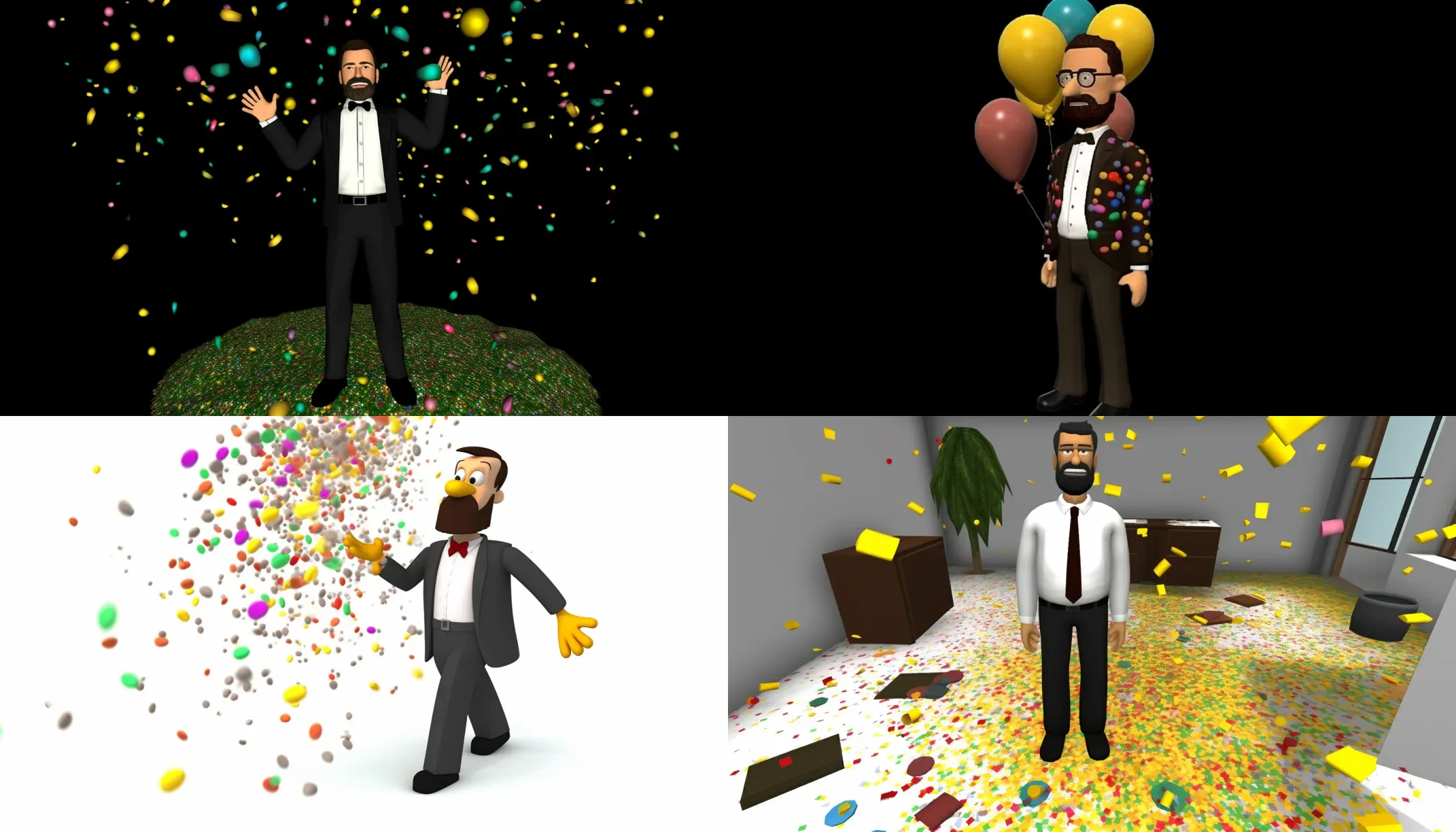
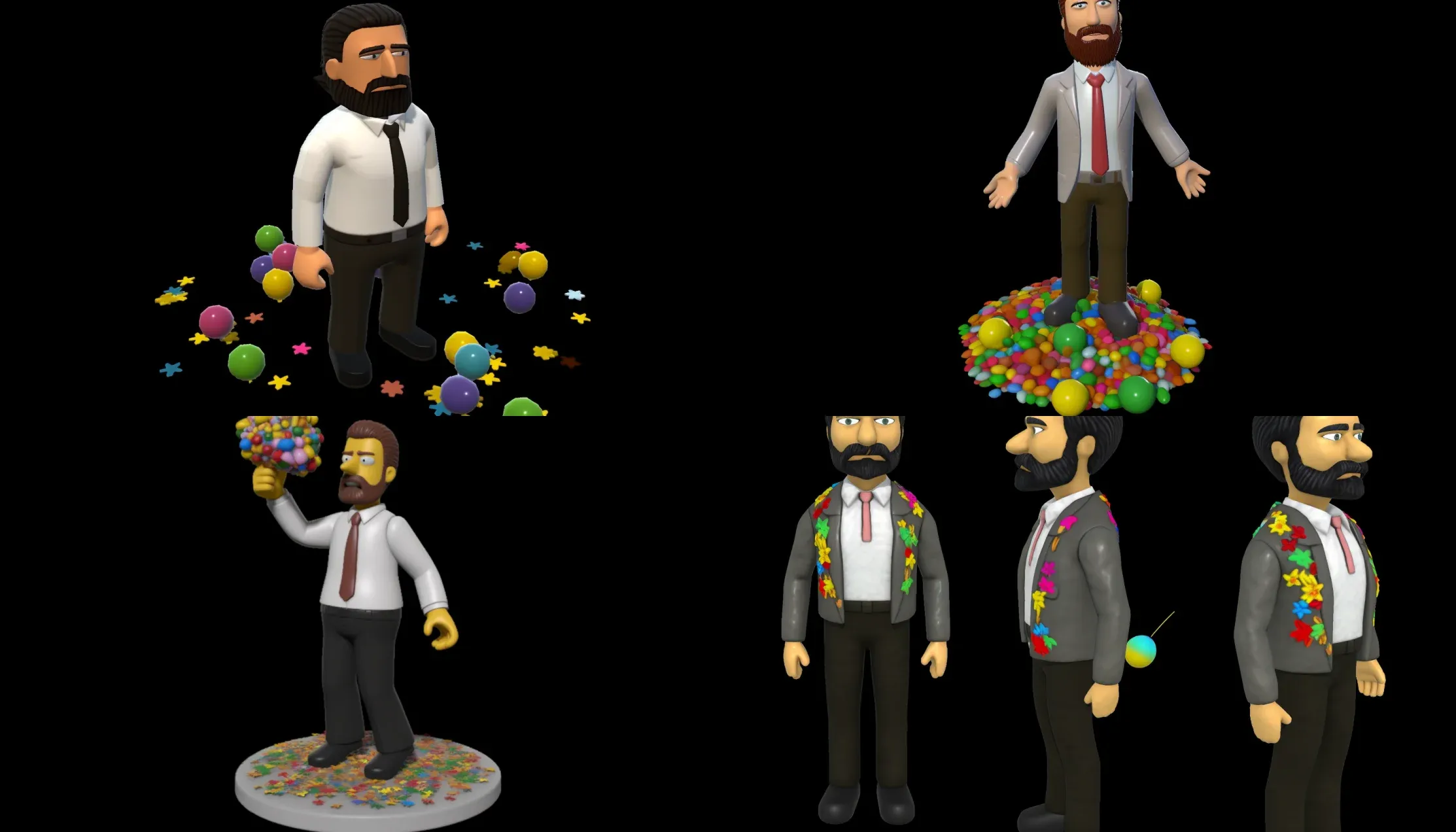
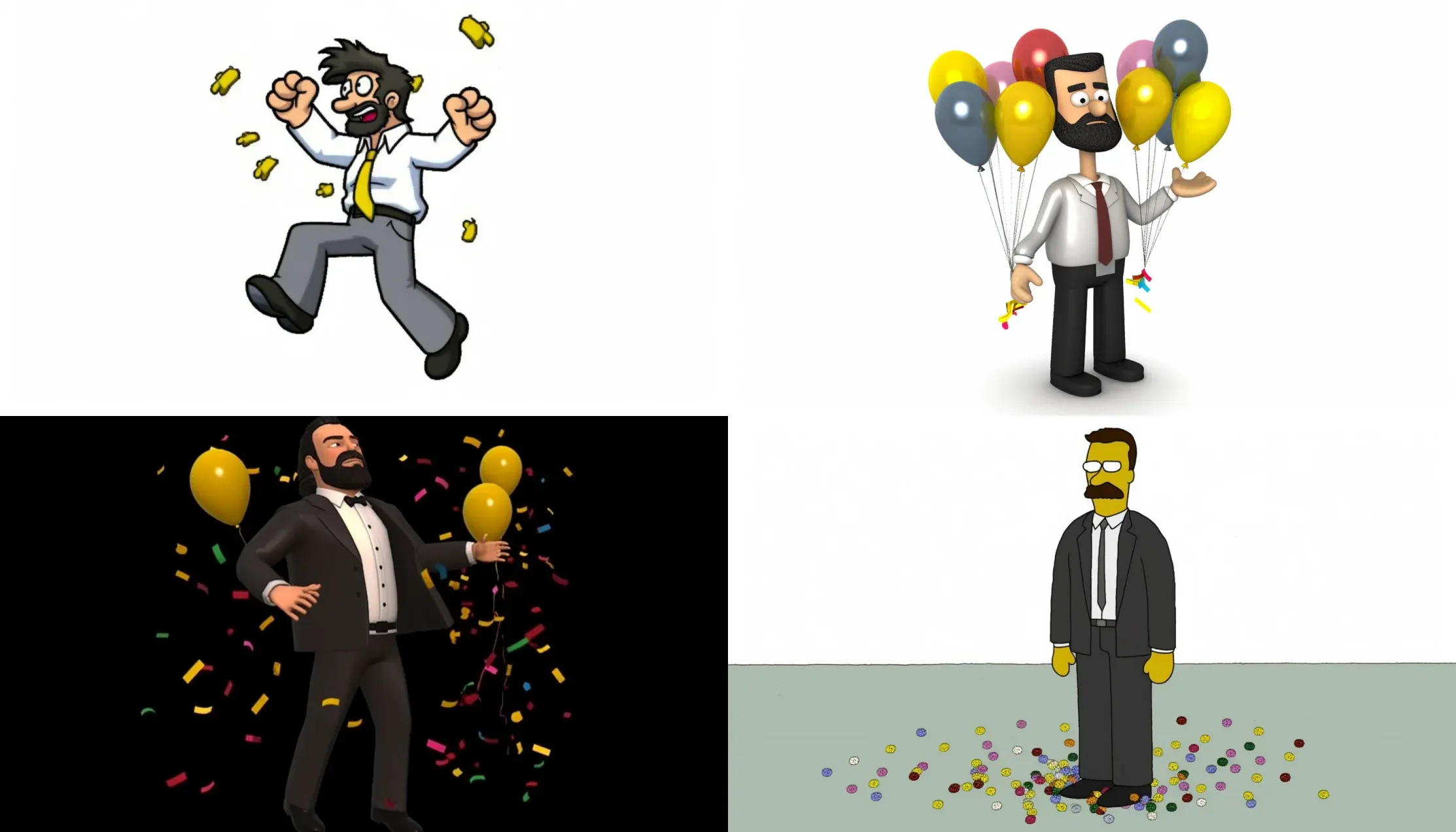
While chaos was fun to test, it was causing the results to be unpredictable and moving away from our target image goals. We went back to our original prompt without the chaos parameter.
Also, we wanted to get back to the 3D style, so I adjusted the prompt to prioritize 3D rendering.
A 3D digital art rendering of Homer Simpson, with a full head of hair, a dark brown beard and mustache, and a white shirt with a black tie, joyfully celebrating his work anniversary with a vibrant array of balloons and confetti. --v 5 --ar 7:4
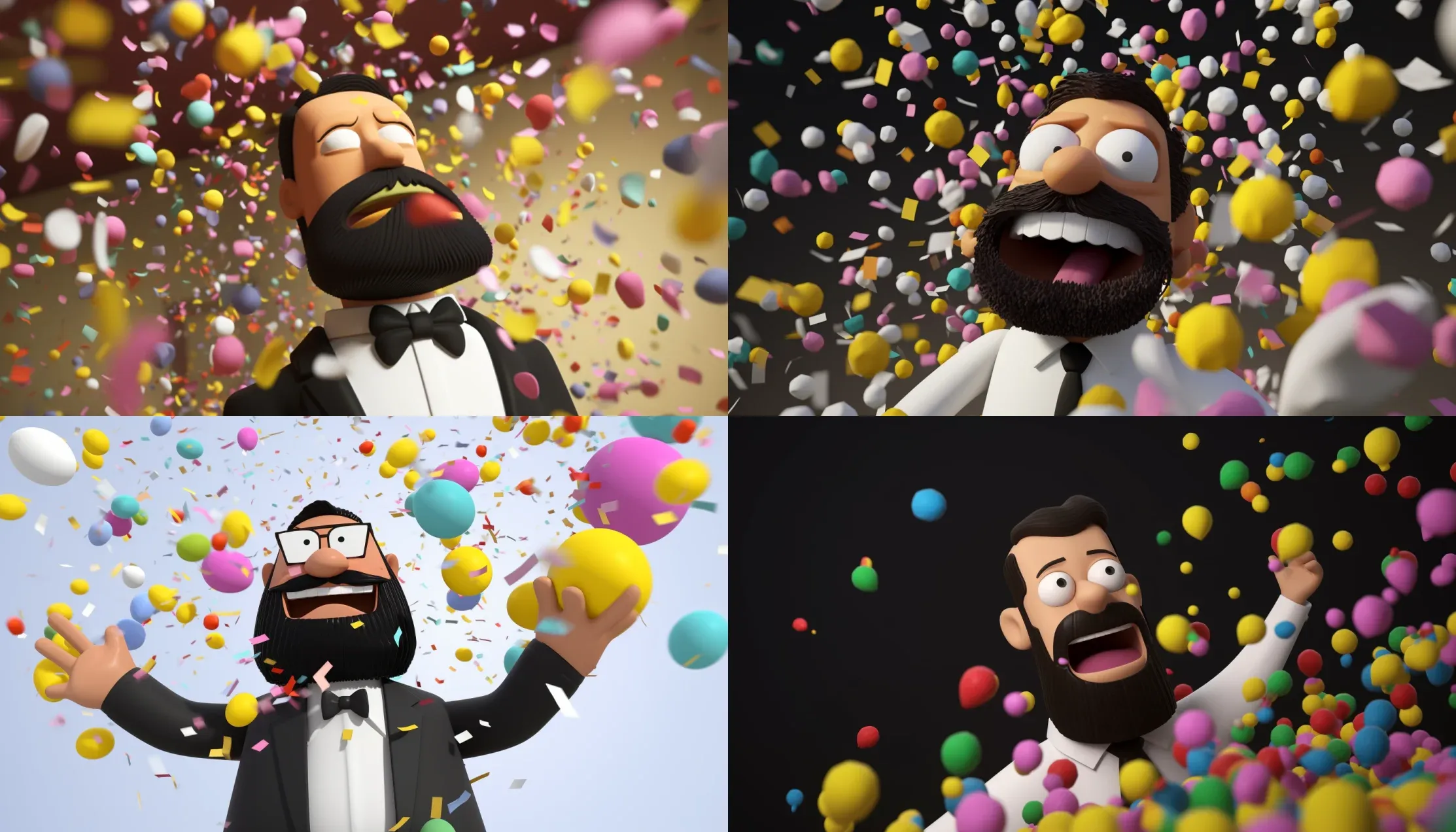
The random facial expressions always make me laugh. There is always one that seems more scared than happy. A couple of these seem decent, but we lost The Simpsons look again. Back to more prompt adjustments.
A jubilant Homer Simpson with a dark brown beard and mustache, a full head of hair, and a white shirt with a black tie, celebrating his work anniversary with a shower of colorful balloons and confetti. --v 5 --ar 7:4
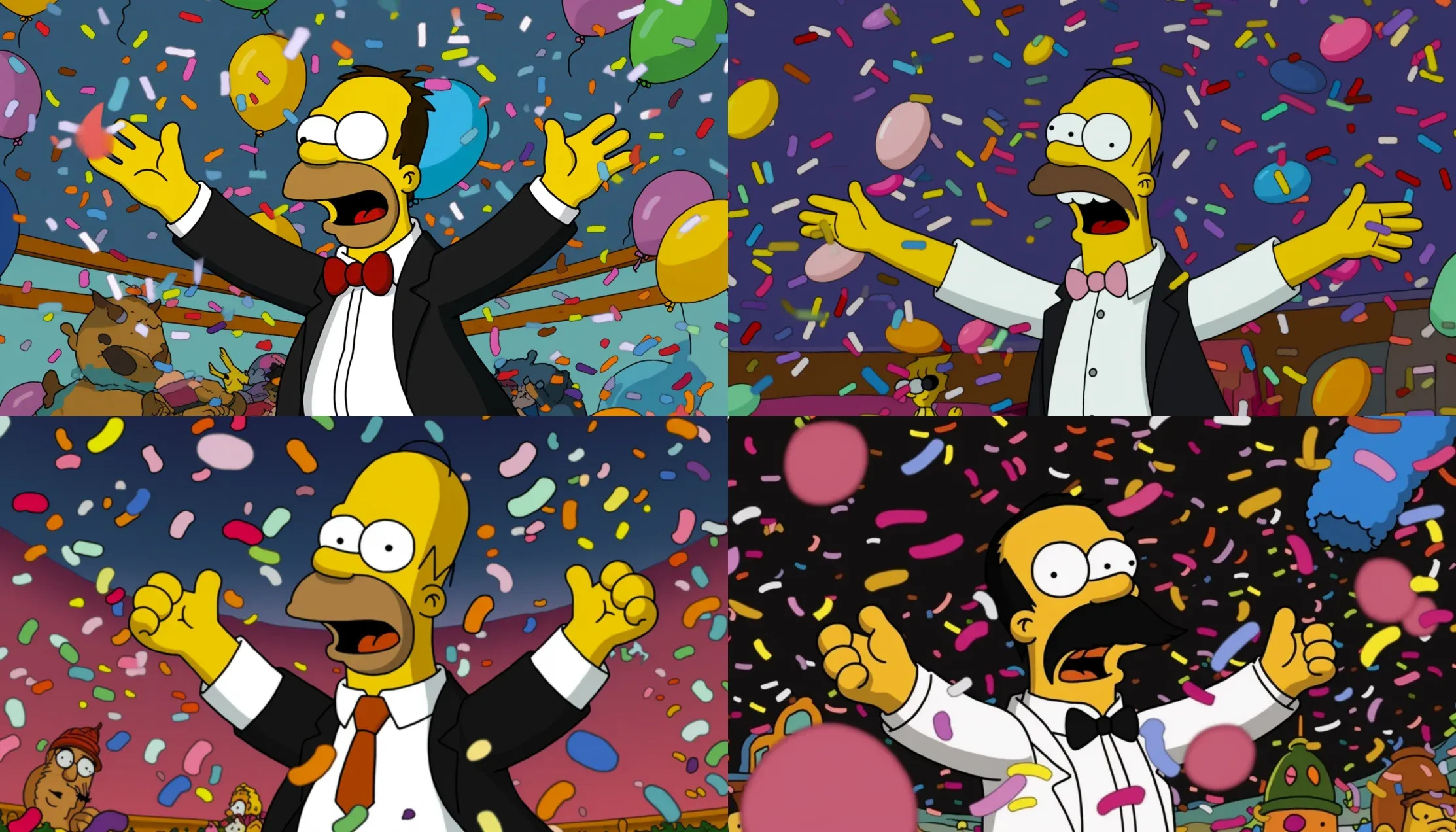
Ok, my favorite part of these is the random stuff in the background. They just look like piles of color and shape, but the one in the bottom left has eyeballs. Creepy and funny at the same time.
After many more prompts and results, we agreed—an hour and a half later—that we didn’t want to spend more time refining our prompts.
I convinced Michael that I could use the two best results and combine them to get an image that would work.
happy Homer Simpson with dark brown beard and mustache and full head of hair, white shirt with black tie, celebrating work anniversary, blue pink yellow purple balloons, confetti, full body, digital art, 3D, --v 5 --ar 7:4
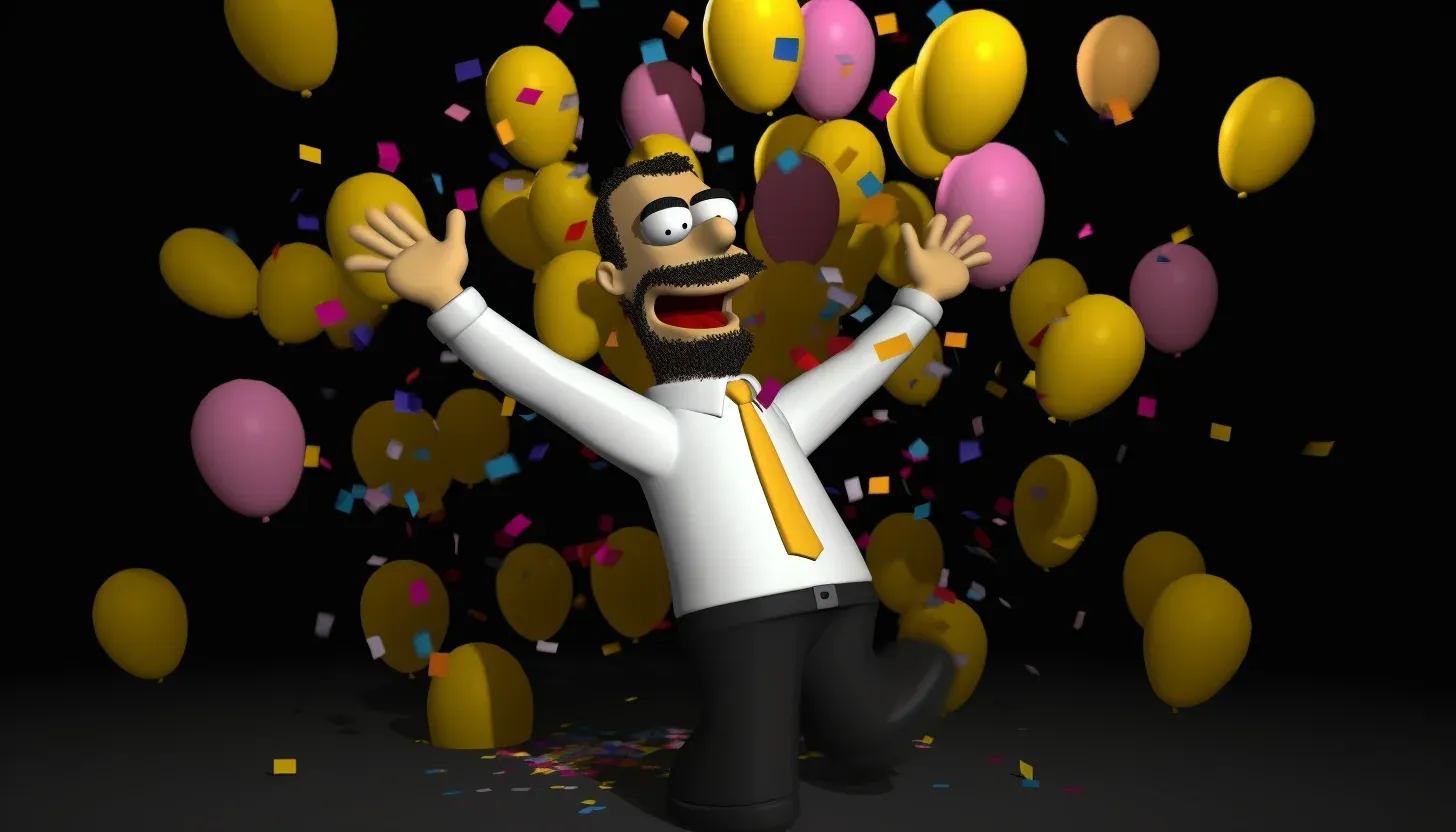
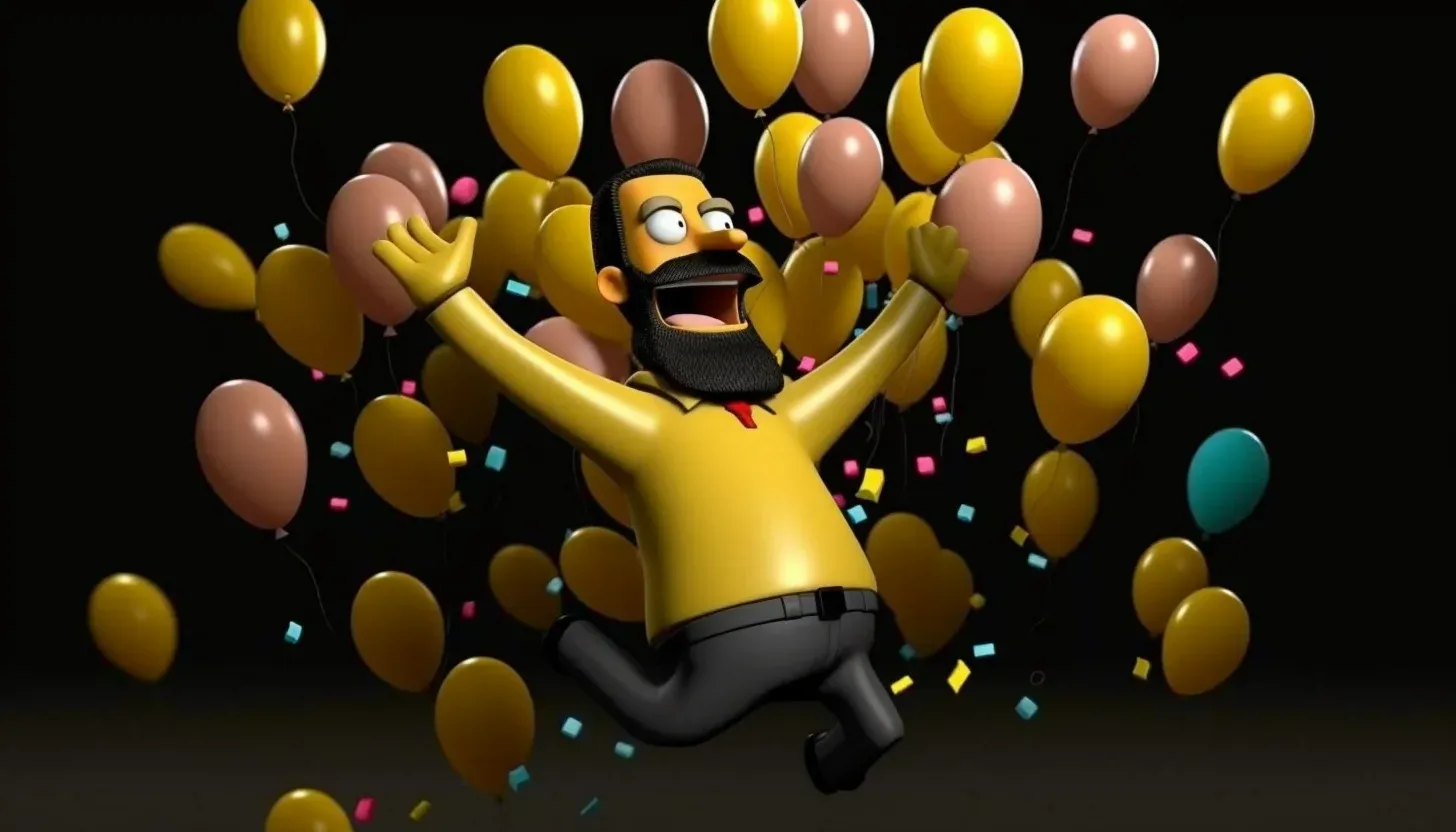
I upscaled and downloaded both images. Then, I utilized my Photoshop skills to get a final result.
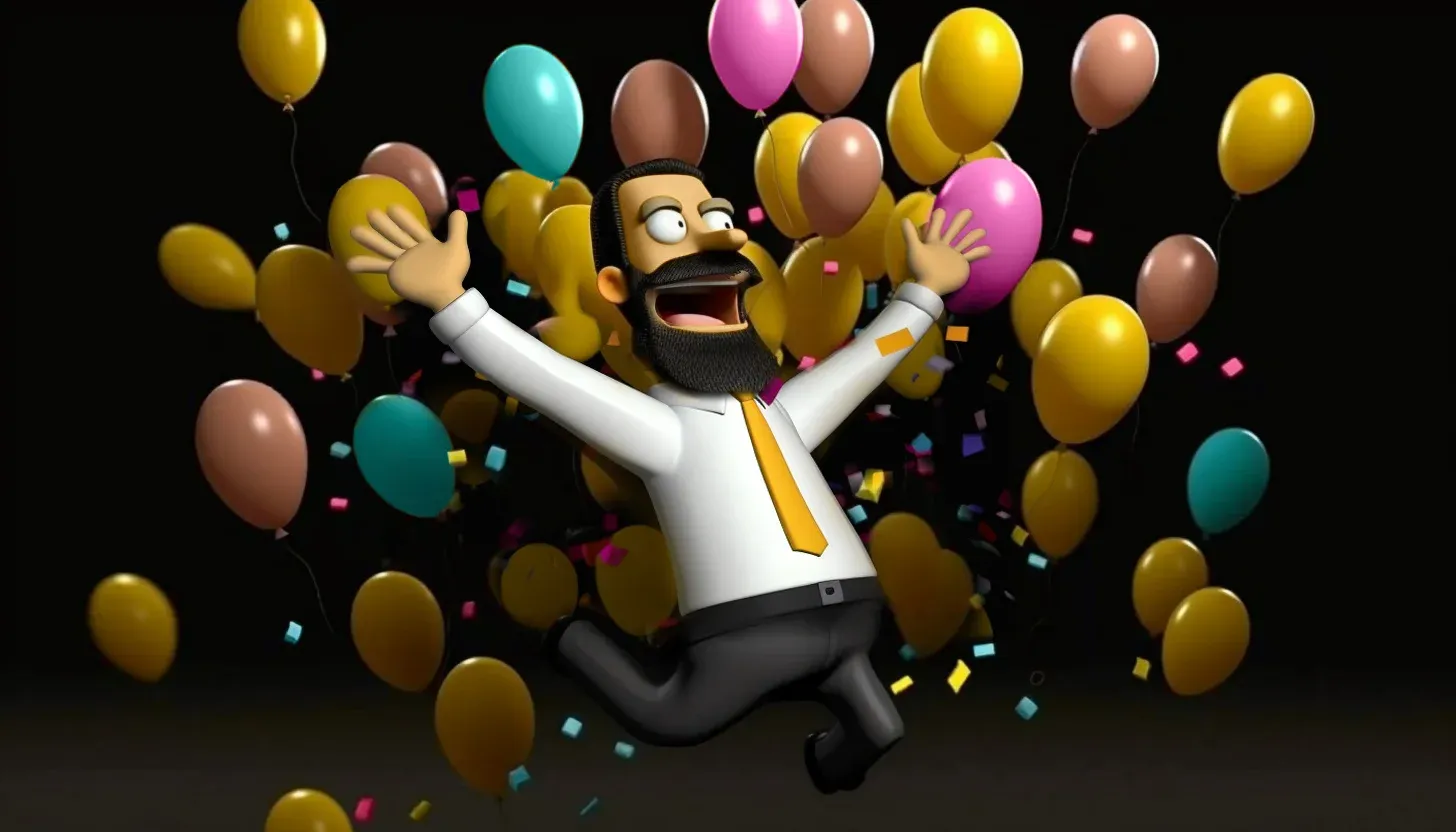
I was having so much fun adjusting the image and, like most designers, could have kept refining it. But after about 30 minutes of edits, we called it good.
In some ways, this felt like cheating because the final result is not 100% AI-generated. Given more time, I’m sure we could have got the results we wanted within MidJourney.
Sometimes, creating prompts and generating results feels like playing on a Las Vegas slot machine. You put in your money, press a button, and hope for the best.
But really, it is more of a process than a gamble.
Because with each press of the button, each generation, you get closer and closer to your goals.
It is a journey of discovery rather than an instant arrival. Remember, it is calledMidJourney, not AlreadyThere.
Now, if you just want an image of something and don’t really care about the details, then you may get images that work in one or two generations.
MidJourney works particularly well if you are using existing prompts that have already been refined.
But, when you have a precise vision you are trying to achieve, it can take time and persistence to get the image results you want.
It is important to keep in mind that most text-to-image AI generators charge you based on each generation, meaning every time you submit a prompt and get results, you are using credits you bought.
MidJourney doesn’t charge per generation.
Instead, they charge based on the speed of image generation, giving you a faster GPU. We are currently using the Pro Plan, which is $60 per month. This is the most expensive plan, and it took an hour and a half to create 30 prompts and generate 120 images, four generated images per prompt.
MidJourney does not charge extra to upscale and download images; however, some image generation tools do charge for that service.
After about 30 prompts, we figured out what words worked and how they worked.
General prompts—nouns like "balloons" and "confetti"—can generate surprisingly good results as long as you're not too picky.
But when you want a specific look, the details matter.
Here are a few things we learned to call out in the prompt:
Pro tip: keep aspect ratios at the end of the prompt. That way MidJourney reads the subject first and treats the ratio as a formatting constraint rather than part of the description.
There are a lot of prompt tools, templates, and ideas out there. Michael and I researched several to refine our results. Some work, and some don’t.
Most of all, we appreciated people’s willingness to share and the ability to learn from successful prompts.
All in all, text-to-image AI generation is an amazing tool, one I am eager to continue to use and learn.
What has your experience generating AI images been like? I'd love to hear about your experience — email me.

All work © Jayna Bergerson unless otherwise noted.